 Wayfarer, a new web browser based on a modern mid-2020 branch of WebKit is now available for download from wayfarer.icu. This new app makes it possible to browse most of the web that have become off-limits for Odyssey with its ageing engine. Google apps like Docs, Drive and Maps with Street view are supported just as the Whatsapp or Telegram web interfaces.
The MorphOS development team is proud to announce the immediate availability of MorphOS 3.14. While mostly a maintenance and stability release, this update also brings multiple technological improvements in the kernel. Out of these, the most notable are TLS support in exec.library, updates to the Netstack and ixemul.library.
We would also like to thank all of our translators and beta testers for stepping up their efforts in the weeks leading up to this release. This update ships with over 230 new and more than a 100 improved translation files.
We strongly urge new users to carefully read our installation and troubleshooting guides before they attempt to install MorphOS for the first time. Existing users can upgrade via the familiar procedure but are encouraged to read the guides as well. MorphOS 3.14 is available for download in our files section.
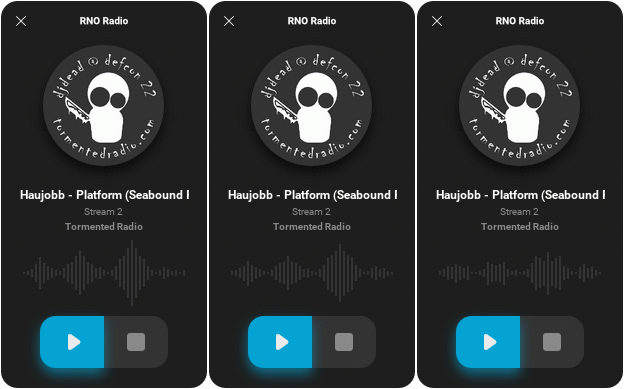
RNORadio is a GUI based internet radio player program for MP3 streams.
A new version of the program has been released now and it includes the following changes:

Today marks the twenty year anniversary of the very first public release of MorphOS, which ran exclusively on Commodore Amiga computers equipped with phase5 PowerPC accelerator cards.
The MorphOS development team would like to thank all MorphOS users for their on-going support and interest.
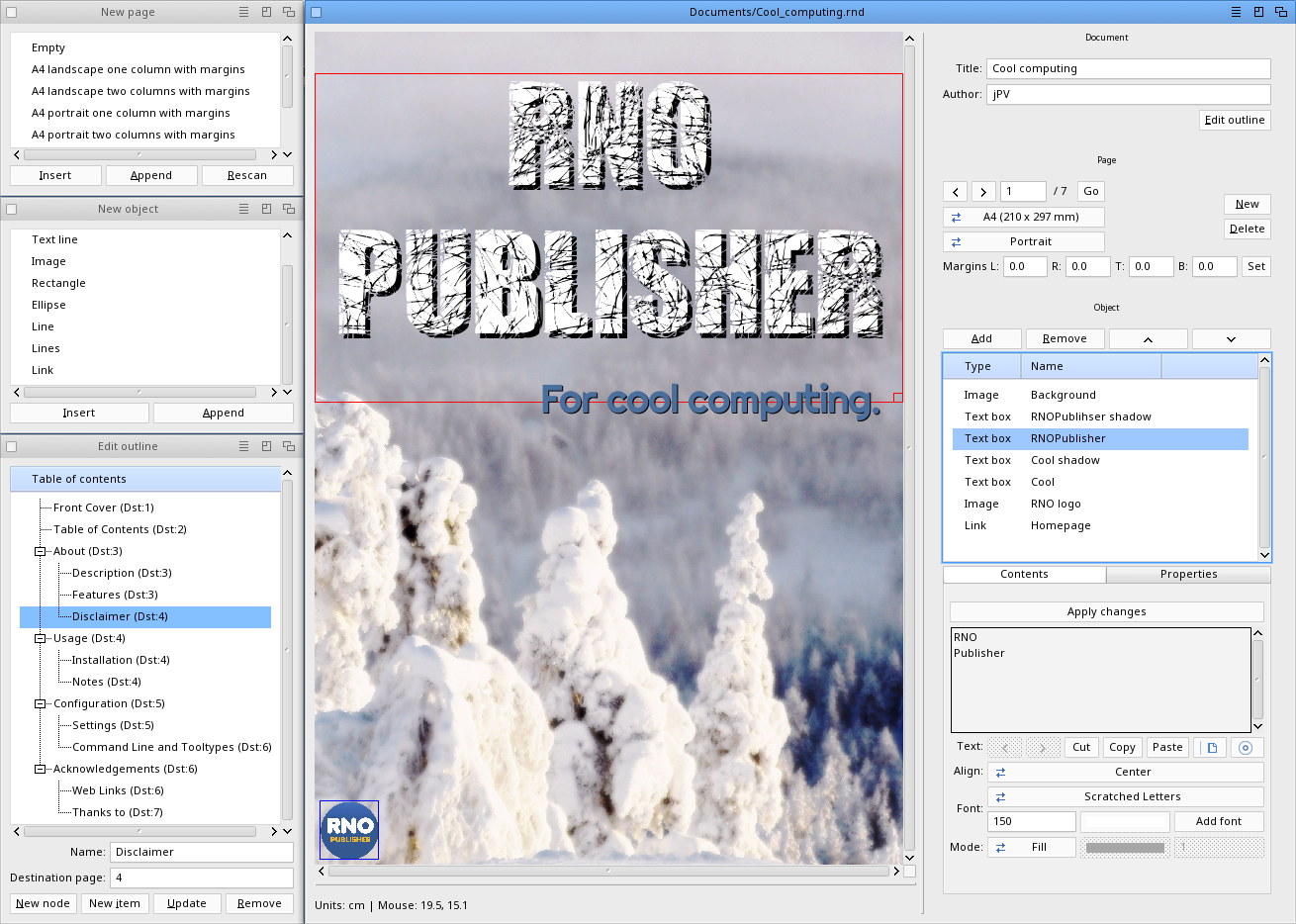
The MorphOS development team is proud to announce the release of the MorphOS Software Development Kit 3.14 (April 2020).
This release is our biggest update yet and offers countless improvements in our compilers, includes, libnix, GeekGadget environment, tools and ixemul.library. We've updated GCC 8 and 9 to their latest versions. Binutils, cmake and git, among others, were also updated. The full list of changes may be found in the SDK.readme file included in the distribution.
Our new SDK requires MorphOS 3.13 and about 2 GB of free disk space and can be found in our files section. As usual, a separate source package is available for download as well.
Its usefull, if you f.e. read a documentation of a newly downloadedprogram in MultiView etc.
Imagine there are links to a website, a youtube video or the email addressof the author in this documentation.
Previously you had to mark the text with the link, copy it to theclipboard, then open the appropriate program and paste the text there.
Quiet uncormfortable, heh?
Now, you can just mark the text and copy it to the clipboard. Thats all!
My SmartClipboard compares the copied text with the defined patterns andexecutes the corresponding command!
The release of MorphOS 3.13 exposed a long standing bug in ixemul.library: Due to an oversight the library defaults to a wrong FPU rounding mode. The bug can manifest itself in various ways, one example is "tinny" audio output in various games. Only applications using ixemul.library are affected. We have released a hotfix that addresses this issue.
Please download the archive, unarchive it, and follow the instructions in the accompanied README file to complete the installation.

The MorphOS development team is proud to announce the immediate availability of MorphOS 3.13. This new version offers more sophisticated text rendering including new font hinting and anti-aliasing modes to choose from. These include subpixel anti-aliasing for sharper and more detailed text on most LCD displays for any applications that allow text output via TTEngine. For those interested in testing this new feature, go to the Fonts section of System Preferences, enable "LCD" anti-aliasing, save your changes and then reboot. Next, run our integrated development environment Flow Studio, go to Editor Settings and switch on TTEngine mode.
In addition to general stability, performance, and security improvements, MorphOS 3.13 also brings important bug fixes for Pegasos I, Pegasos II, and Sam 460 systems as well as a driver for the on-board Gigabit ethernet controller found on A-EON P50x0 mainboards. For owners of Apple PowerMac7.x computers, there is a new shell tool for controlling the fan speed along with inspecting fan status and system sensor temperatures on these systems.
Existing users who have kept the built-in 'Default' choice for window skins will notice an altered appearance after upgrading. Anybody who prefers the previous look is advised to switch from "Default" to "Ferox" in the Screens section of System Preferences. Likewise, if your window skin was changed and you would like the rest of the user interface to look similar, please open MUI Preferences, click on the Settings button and choose the "Origo" theme. Please note that this step may overwrite personalized settings unless you choose to save them as a custom theme beforehand.
We strongly urge new users to carefully read our installation and troubleshooting guides before they attempt to install MorphOS for the first time. Existing users can upgrade via the familiar procedure but are encouraged to read the guides as well. MorphOS 3.13 is available for download in our files section.
We at #amigazeux are pleased to release Screenshot.sbar V1.0. It can grab single Windows, multiple Windows, freely selectable rectangle areas, even areas simply drawn with the mouse and much more while residing patiently in your screens titlebar.
Comes with a built in paint program to:
Get Screenshot.sbar V1.0 here!
The MorphOS development team is proud to announce the release of the MorphOS Software Development Kit 3.14 (November 2019).
This new version contains updated binutils and addresses a few minor issues such as disk space requirements as it reduces the size of installation by about 1 gigabyte.
Our new SDK requires MorphOS 3.12 and about 2 GB of free disk space and can be found in our files section. As usual, a separate source package is available for download as well.